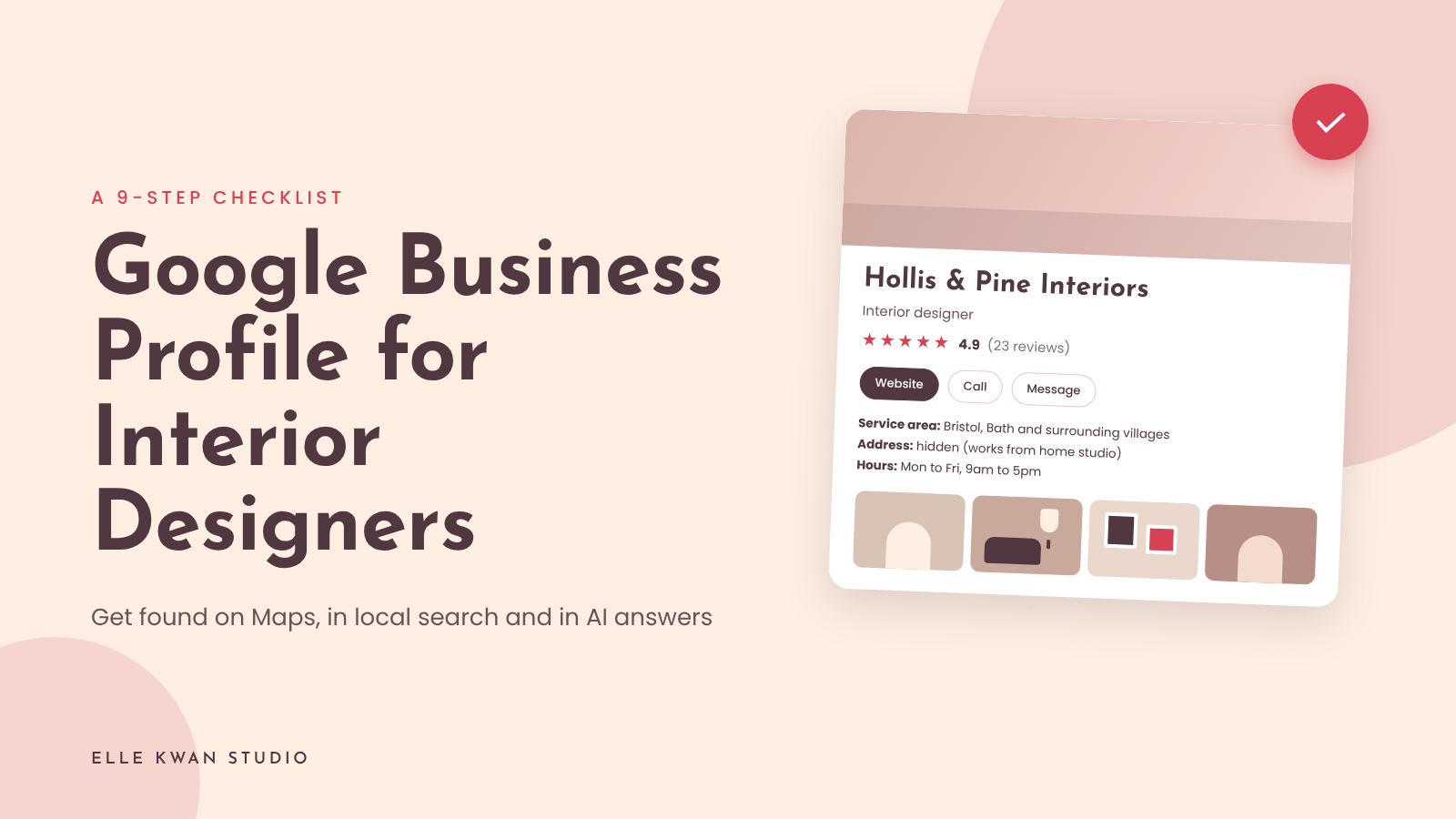
The short answer: A Google Business Profile for interior designers is a free Google listing that shows your studio on Google Maps and in local search results. To set yours up, claim the profile, choose “Interior designer” as your category, add your service area, services, photos and reviews, then link it to your website.
A Google Business Profile for interior designers is the free listing that appears when someone searches “interior designer near me” or your studio name. It sits above most websites in the results, it feeds the map, and it is one of the places AI tools look when someone asks who to hire in their city.
Most designers I talk to either have never claimed theirs, or claimed it years ago and never went back.
In fact, one retail and hospitality interiors sound specialist I worked with had no idea that a Google Business profile was even a thing.
When they contacted me to work on their SEO, I immediately suggested optimising it as a “low-hanging fruit” part of their Google visibility plan.
They’re pleased I did. In just one month, they were showing up on Google’s front page for 3 search terms, and the number of calls coming through their website went up.
The good news is that it is the quickest visibility fix on this list. You are not building anything new. Really, it’s more like filling in a form properly.
(This is tip 7 from my guide to Getting AI to refer your interior design services, so if you want the bigger picture, start there).
Why your Google Business Profile matters for interior designers
Your website tells people who you are. Your profile tells Google, and the AI tools that borrow from it, where you work, what you do and whether real clients vouch for you.
When a homeowner asks “who is a good interior designer in Sydney”, the answer is drawn from several places at once:
- Your website
- Social profiles
- Press
- Google listing
- Reviews
So if your listing is empty, or says something different from your website, you give those tools a reason to skip your business and recommend a competitor.
The Google Business Profile checklist for interior designers
Work through these in order. Each takes ten to twenty minutes.
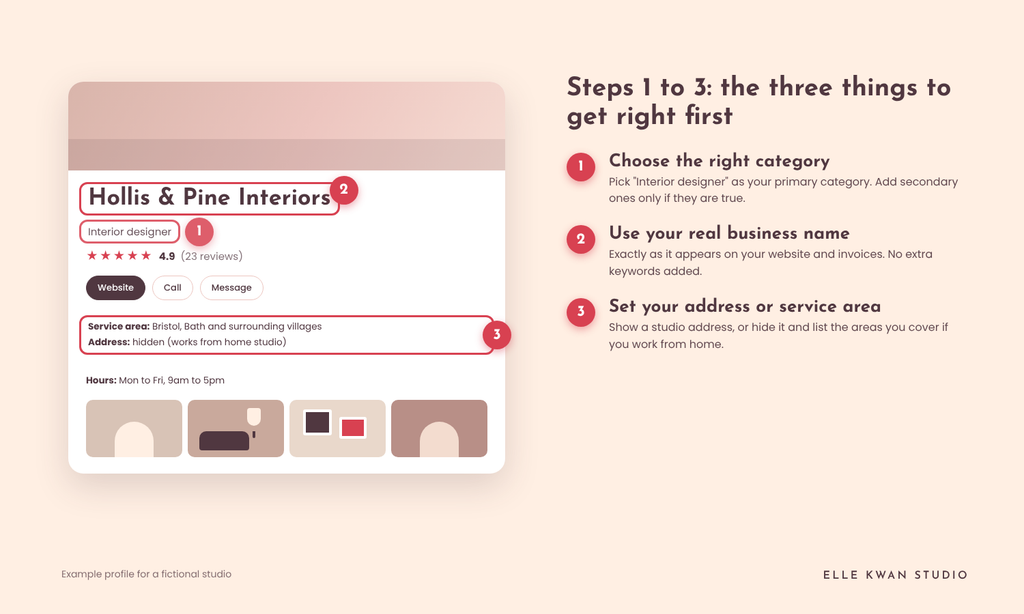
1. Claim your Google Business Profile and choose the right category
Search your studio name on Google and click “Claim this business”, or create a new profile at google.com/business. Choose “Interior designer” as your primary category. Add up to two or three secondary ones that are true, such as “Interior decorator” or “Home staging service” if you offer it. The primary category carries the most weight, so there’s no need to pick a broader term.
2. Use your real business name
Use the name on your website and invoices, exactly. Don’t add “Interior Design Sydney” to the end to try to rank. Google can suspend profiles for that, and it makes your name look different across the web, which just confuses AI tools anyhow.
3. Set your address or service area
If clients visit you at a studio, add the address. If you work from home or travel to projects, hide the address and list the suburbs, cities or regions you cover. Be specific and honest.
For instance, I work with many designers outside of Hong Kong, despite being based here.
Google may ask you to verify, sometimes by video, so have your signage, a project in progress or your workspace ready to show.
4. Write a description using real detail
You get 750 characters to say who you work with, what you do and where, in plain words, so pack in as much info as you can. For example: “Residential interior designer in Toronto, specialising in city apartments and family homes. Full-service design from concept to installation.” A handy tip is to match your description with the same wording as your website homepage so they match.
5. List your services
Add each service as its own entry, with a one or two sentence description: full-service design, kitchen remodels, single-room design, e-design, styling, project management.
Add a starting price if you publish one on your site. (I like this because it answers the question clients are reserved about asking).
6. Add photos that look like your portfolio
Upload your best six to ten finished-project photos, a clear logo, a cover image and one of you. Skip stock images.
Your aim is to keep them consistent with the projects on your portfolio page (this post talks about how to layout your portfolio on your website) so someone who clicks through feels they have arrived at the same place.
Go for your hero projects – the ones you want to attract more of.
7. Ask for reviews, and answer them
Send every finished client a direct link to your review page. Don’t offer discounts or gifts in return, which breaks Google’s rules. Reply to each review in a sentence or two and name the type of project, such as “a kitchen and snug renovation”, which helps the review do more work for you.
A quick ask might be: I loved our time working together and would like to find other clients just like you. Would you mind posting a quick review so others can find me?
8. Post an update once a month
Just like your website, Google loves fresh content. Use the Updates section on your Google Business Profile to share a new piece of content once a month. Think a finished project, a before and after, or a link to a new magazine feature. This shows Google that your profile is active and trusted, and it gives people a reason to click through to your site.
9. Link your profile back to your website
Add your homepage as the website link, and make sure the contact details match your site’s footer and contact page exactly: You want the same spelling of your name, same phone number, same email. If your site has an FAQ, services page and portfolio, as covered in this post you have good material to fill out the profile in just a few minutes.
You’re closer than you think
That’s the whole list. None of it needs special software, a big budget or a marketing degree, just a bit of time and a clear idea of who you want to work with. Once the profile is filled in, it keeps working for you in the background, helping the right clients and the AI tools they ask to find you.
You’ve already done the hard part by building a studio and a body of work worth showing. This is simply making sure Google can see it too. Block out an afternoon, put the kettle on, and tick off the nine steps one by one. Future you will be glad you did.
Your profile sends people to your website, so the website has to be ready for them. My free quiz reveals any weak spots in your website and shows you how to fix them. Take the quiz here
Google Business Profile for interior designers: FAQs
Yes, if you want to be found locally or through AI search. It is free, takes an afternoon, and shows your studio on Google Maps and in the results when someone searches for an interior designer in your area. Even if you mostly get referrals, people will check you on Google before they enquire.
Yes. Choose the service-area option and hide your home address, then list the cities or suburbs you cover. You will still need to verify the business, and Google may ask for a short video of your workspace or work in progress.
Choose “Interior designer” as your primary category. Add secondary categories only if they describe something you really do, such as interior decorating or home staging.
Send the direct review link to each client within a week of handover, with a short, personal note. Do not offer gifts or discounts for reviews. Reply to every review you receive.
It can help. AI tools that answer local questions draw on your website and on what the rest of the web says about you, and your listing and reviews are part of that. A complete profile that matches your website gives them clear, consistent facts to work with. Results vary by tool and city, so treat it as one piece of the picture.
Ready to make the website behind the profile do its job?
A good profile gets people to your door. The website decides whether they knock. My Showit templates for interior designers come with the pages, prompts and layout already built, so you spend your time on your projects and your voice. Browse the templates.

Elle Kwan is the founder of Elle Kwan Studio, which creates editorial Showit websites and templates for interior designers who want to stand out and win more enquiries. A former lifestyle magazine editor, she is a trained conversion copywriter and SEO specialist happiest designing sites that feel like they were styled for a magazine, and creates instant client trust.
When she’s not designing, you’ll find her drinking tea, devouring magazines, or walking her cheeky chihuahua.
Explore Showit templates and free resources at ellekwan.com.
